

When you’re trying to grow a website, one of the first things you want to understand is how people are finding you.
These questions come up for every site owner, and access to the right tools to check a website’s traffic can give you clear answers without wasting time.
Over the years, I’ve tested different traffic-checking tools – some simple, some full-featured, and some that try to do everything at once. What I’ve learned is that you don’t always need the biggest or most expensive platform to understand your audience.
What you need is a tool that’s accurate, easy to use, and fits your workflow.
In today’s post, I’ll walk you through some of the best tools you can use to track your website traffic, your competitors, including organic traffic sources, PPC, referral, AI Overview mentions, and more
Whether you’re running a blog, an online store, a service business, or you’re just getting started, these tools can help you figure out what’s working and what you need to improve.
Let’s dive in.
1. SEO Powersuite
SEO Powersuite is a desktop-based, all-in-one SEO tool that includes four powerful toolkits:
The focus here is the Rank Tracker, which helps you track and monitor your website traffic, including your competitors’. It turns your keyword and SEO monitoring into a data-driven, automatic system, not a manual guesswork chore.
With just a few clicks, you can track your site’s keyword rankings across hundreds of search engines (Google, Bing, Yahoo, Yandex, Baidu, YouTube, and many more), for desktop, mobile, and local search.
You don’t just get raw position snapshots. Rank Tracker stores SERP history and visibility for years, so you can see how your rankings evolve, where you rose or dropped, and track performance across all targeted locations.
For many site owners, the most powerful feature is its integration with Google Analytics (GA4) and Search Console. That means Rank Tracker can pull in actual organic traffic numbers and show which keywords and pages drive your branded or non-branded search traffic.
You get data showing how many visits, how much organic traffic, which pages attract the most sessions, even for “not provided” keywords, helping link your SEO efforts directly to traffic acquisition.
If you want to compare yourself with competitors, Rank Tracker lets you add competitors’ sites and monitor their keyword rankings and traffic side-by-side with yours.
You see who outranks you, spot keyword gaps, and identify opportunities where you can overtake them.
One of the newest updates is the ability to track traffic coming from Google’s AI Overview results.
Since AI summaries can pull clicks away from the regular search listings, seeing how much traffic you gain or lose from these results helps you understand your real visibility in search.
Rank Tracker also supports automated, scheduled ranking checks and customizable reporting, ideal if you manage multiple sites or work with clients.
Reports can be generated automatically, exported, or shared as white-label PDF/HTML, giving you a clear, professional view of your SEO performance over time.
Pros
Cons
NOTE:
I have used SEO PowerSuite and other tools for over a decade to track competitor traffic. If you are choosing between platforms, these guides can help: my comparison of SEO PowerSuite vs. Semrush or my in-depth look at SE Ranking vs. SEO PowerSuite.
2. SEMrush
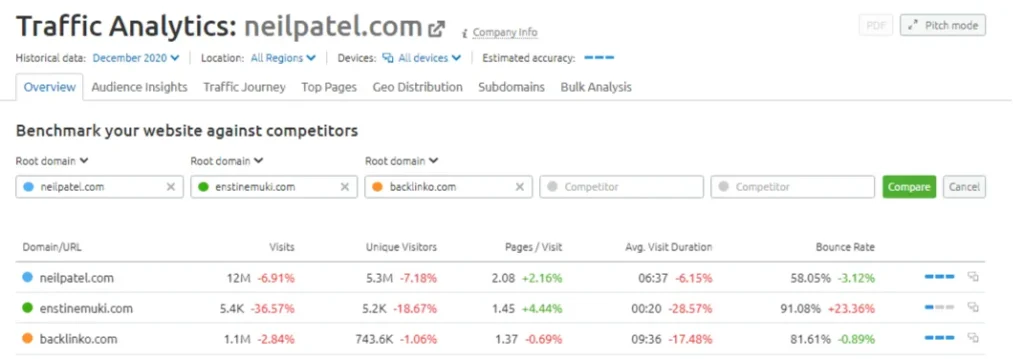
Semrush isn’t just a web traffic analysis tool; it’s a comprehensive, all-in-one SEO platform with over 60 tools, including its powerful traffic analytics feature.
The traffic analytics tool offers detailed insights into any website’s desktop and mobile traffic, helping you analyze, compare, and refine your marketing strategies based on proven data.
With this tool, you can see where traffic comes from, visitor devices, audience overlap, unique visitors, average time on site, bounce rates, user locations, and historical trends going back to 2017.
The bulk analysis feature lets you analyze SEO traffic for up to 200 domains in one report, making it a time-saving tool for SEO agencies and marketers.
However, free Semrush accounts provide limited access to PPC and SEO traffic analytics, allowing you to view only the information in the overview tab.
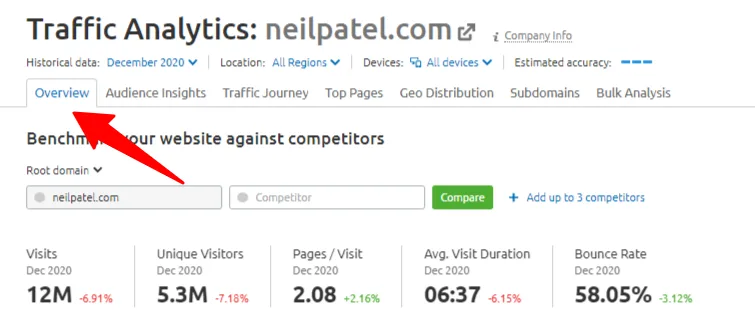
To access traffic analytics features and tools, you must upgrade to the Semrush Pro account.
Pros
Cons
3. Similar Web
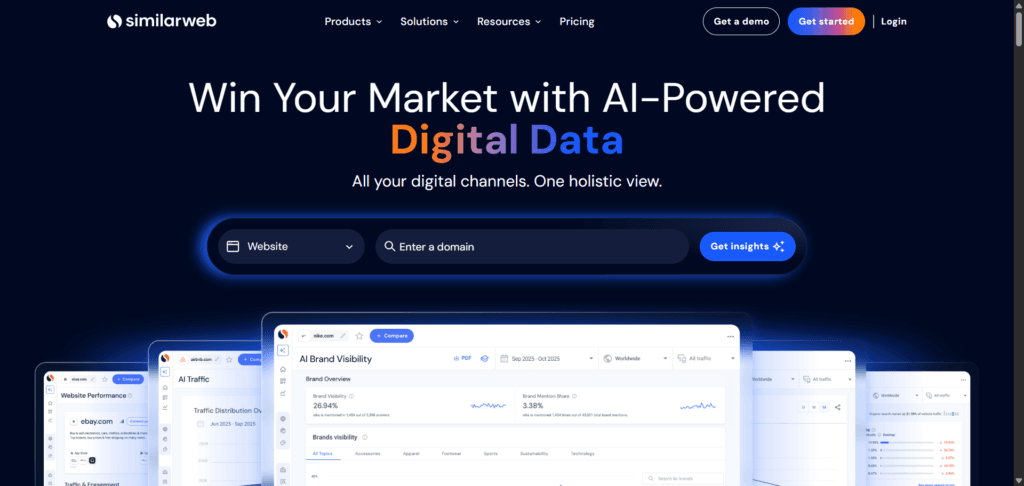
Similarweb is a powerful tool for analyzing website traffic and helping businesses make smarter marketing decisions. It provides detailed insights into traffic channels, user behavior, and overall performance.
If you’re analyzing a large website with decent traffic, Similarweb can show you where its visitors are coming from and how they interact with the site. It’s great for uncovering traffic generator sources, growth trends, and competitor strategies.
While it’s not as precise as Google Analytics, Similarweb is among the most accurate tools for analyzing external traffic. It offers insights into organic traffic share, competitive performance, and more.
The Similarweb Chrome extension is especially useful for quick checks. It provides information on traffic sources (like email, social media, or ads), audience locations, global rankings, bounce rates, page views per visit, and estimated visit times.
Similarweb’s free plan gives you access to limited web analytics features and up to 5 website traffic monitoring. For deeper insights, upgrading to a paid plan unlocks more detailed traffic numbers.
Pros
Cons
4. Serpstat
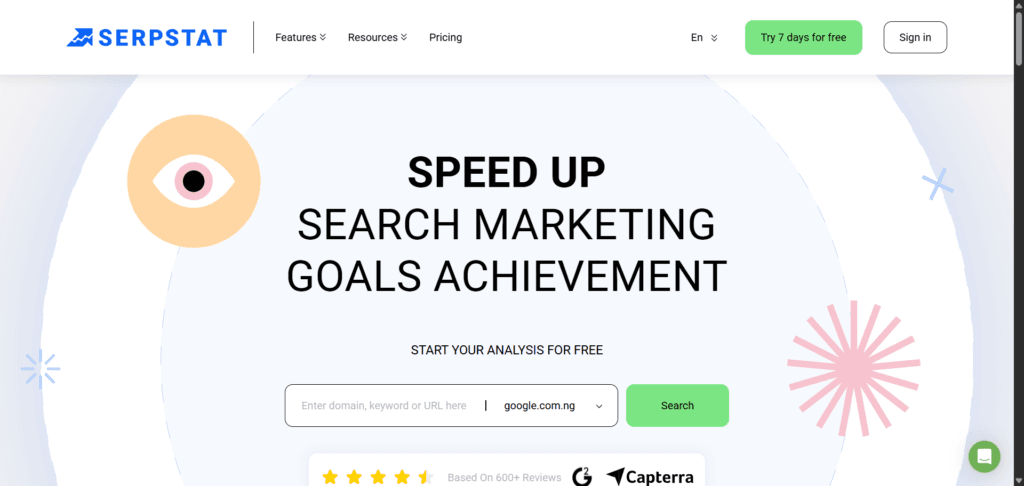
Serpstat, like Semrush, is an all-in-one SEO tool that lets you handle all your SEO tasks without needing additional tools.
You can check website traffic stats by entering a competitor’s website URL. Under the Website Analysis Overview, you’ll find key metrics like organic keyword rankings, top pages, competitors in organic search, paid keywords, estimated search traffic, and backlinks.’
This information helps you evaluate your competitor’s traffic channels. The free version of Serpstat offers limited features, but you’ll need to upgrade to a paid plan for more detailed insights.
5. SE Ranking
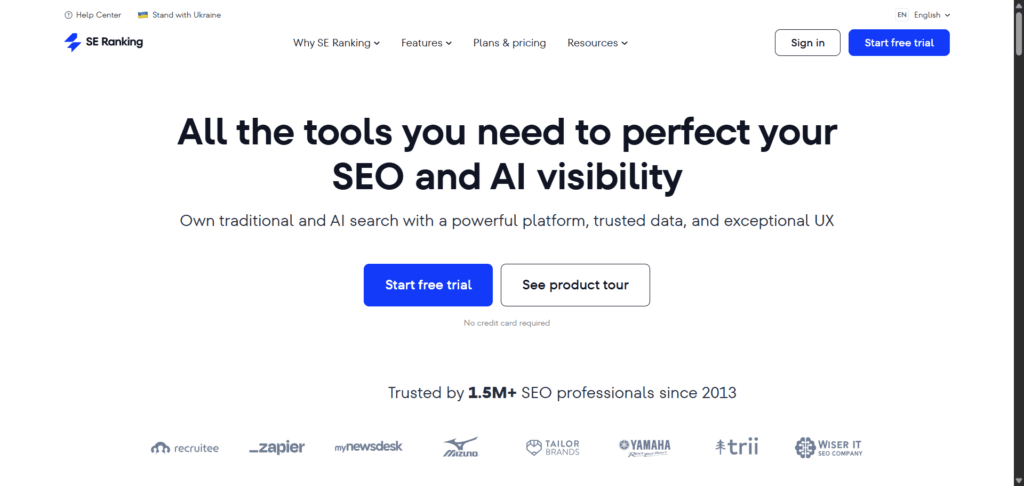
SE Ranking’s competitive research tools offer marketers comprehensive insights into website traffic and marketing strategies.
With features to analyze mobile, desktop, paid, referral, and organic traffic, SE Ranking lets you explore crucial traffic acquisition metrics, such as organic keywords, referrals, backlinks, paid ads, and historical trends.
This makes it an all-in-one SEO solution for on-page, off-page, and market research.
You can tailor your research to specific countries, continents, or regional databases, enabling more targeted analysis. You can also compare up to 5 competitor websites to uncover detailed insights into their traffic, keywords, links, and audiences.
SE Ranking is a cost-effective SEO tool and a solid alternative to platforms like Semrush. It provides robust functionality for marketers seeking a competitive edge without overspending.
Pros
Cons
6. Google Analytics
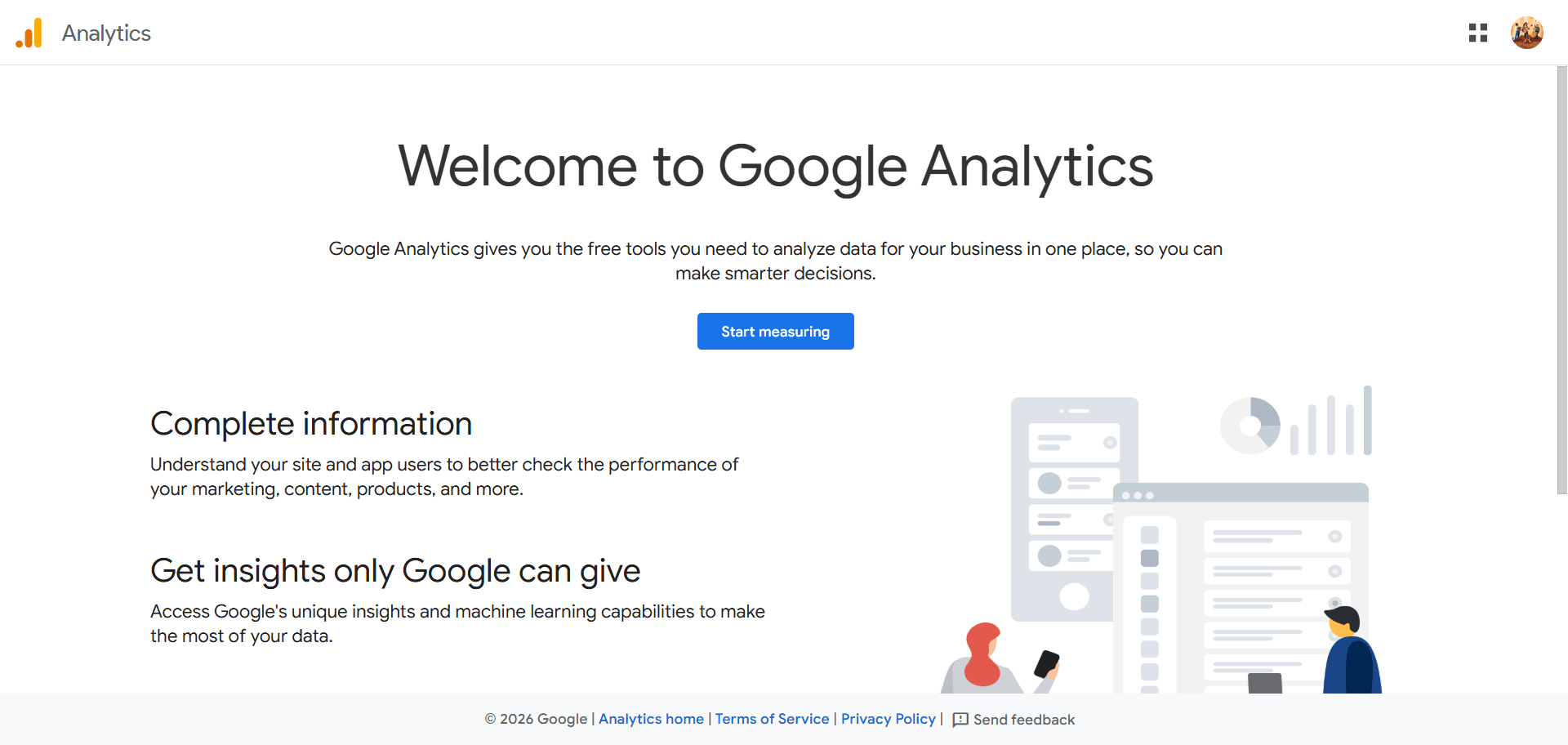
Google Analytics 4 is a free tool from Google that helps website owners track and understand their own website’s performance and user behavior.
While you can’t analyze other websites’ traffic using Google Analytics 4, it gives you valuable insights about your site, such as:
These metrics let you see how much traffic your site gets from different sources or platforms, including Google search, social, paid, referrals, direct traffic, emails, etc.
You can see how many users visit your site over time and even get historical data for the last 12 months.
Pros
Cons
7. Site Checker
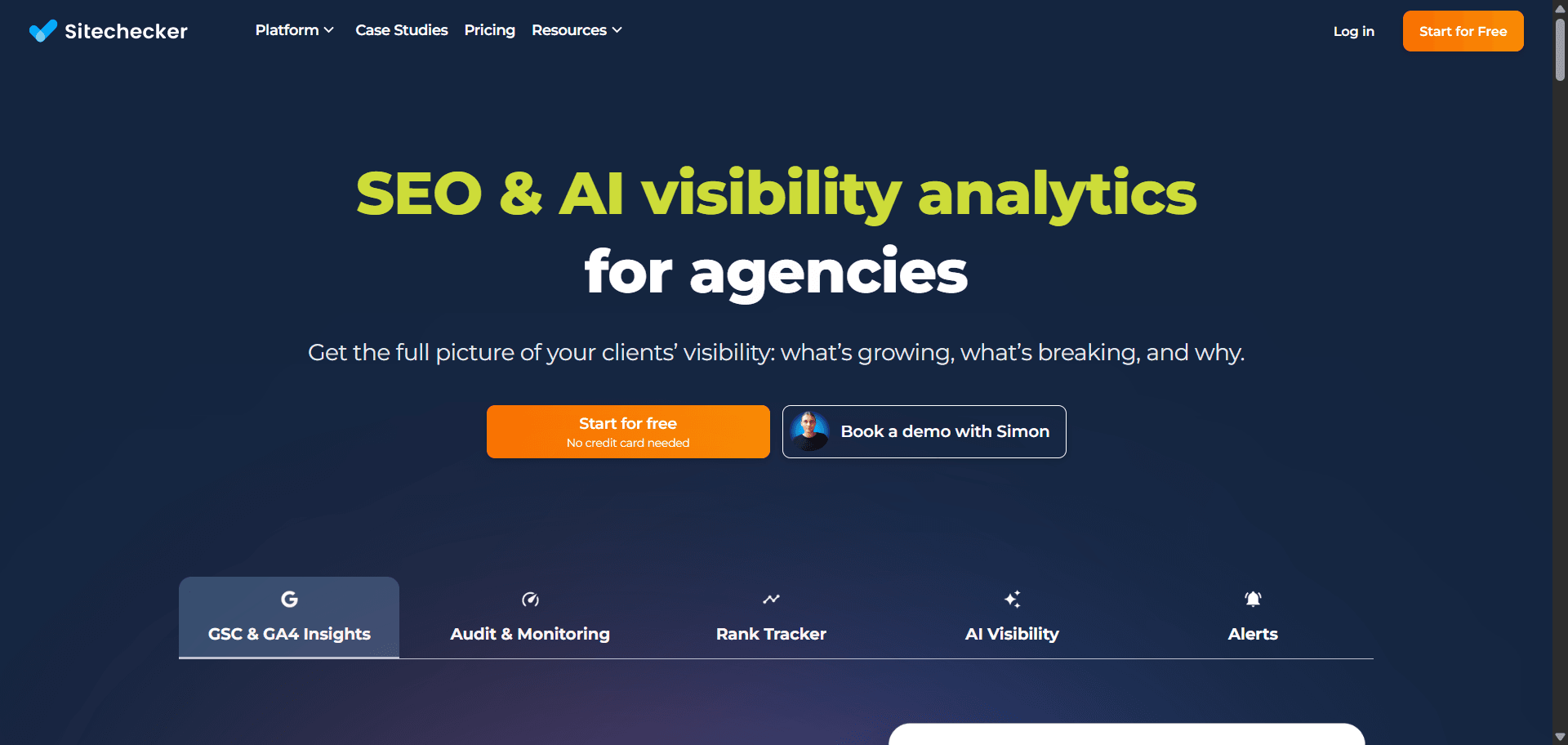
An all-in-one, easy-to-use online SEO tool.
SiteChecker offers many SEO tools that let you handle almost any SEO task without leaving the website.
The Traffic Checker tool in Site Checker lets you analyze and compare website traffic with competitors’ stats or any website worldwide.
If your Competitor’s website receives a lot of traffic, the traffic checker tool will return in-depth traffic information for that website.
The tool gives you an overview of website traffic. Like many website checker tools, it estimates website traffic.
It also reveals the website traffic stats by country, engagement, top organic keywords, top paid keywords, referral traffic, social traffic, and top competitors.
I found Site Checker a reliable tool for checking website traffic acquisitions during my test.
8. Ubersuggest
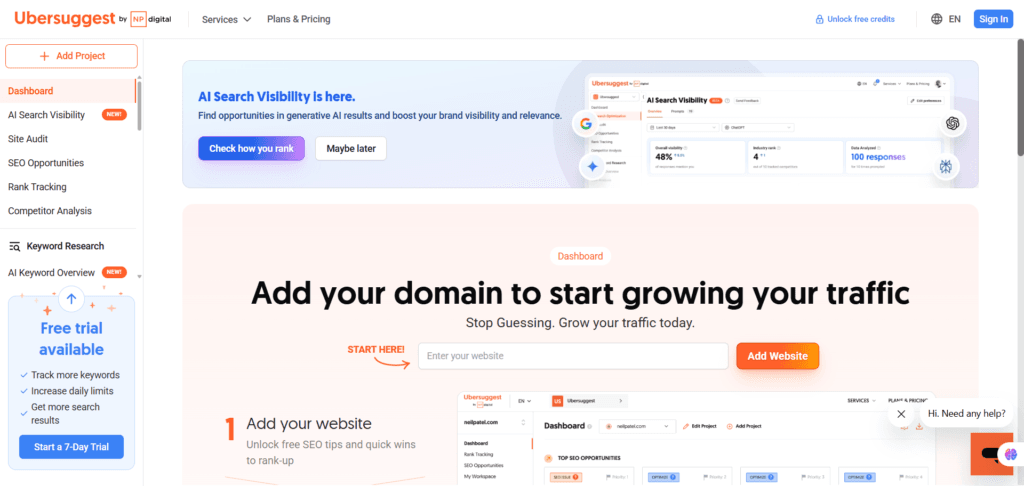
Ubersuggest has added many features since Neil Patel repurchased it in 2017.
You can use the Competitive Analysis feature in Ubersuggest to get traffic estimates for any website worldwide.
Though not as comprehensive as other tools on the list, Ubersuggest provides an overview of key website traffic metrics.
The free plan does not provide many key metrics. To analyze website visitors and compare website traffic in-depth, you must upgrade to a paid plan.
Pros
Cons
9. Ahrefs
Ahrefs is a popular SEO tool trusted by small business owners and SEO professionals. It offers a wide range of features for all your search engine optimization needs, including a website traffic checker.
The Ahrefs website traffic checker estimates traffic for any website, including subdomains, giving you a clear picture of its incoming traffic. The free version offers a basic overview of traffic metrics, making it a quick and easy tool for initial insights.
You’ll need the Ahrefs Site Explorer tool for more detailed traffic analysis, including organic and paid traffic metrics, referral sources, historical trends, top-ranking pages, backlinks, and insights from over 170 countries.
This advanced tool lets you analyze competitors’ strategies, discover ranking keywords, check backlink profiles, and explore SERP features.
Ahrefs also displays traffic trends with graphs, allowing you to view reports from the past 30 days, one year, or all time. It also provides insights into paid ads your competitors may be running on platforms like Google Ads.
While Ahrefs is a comprehensive SEO and traffic analysis tool, it’s more expensive than many alternatives. However, if you want to track a competitor’s traffic sources, the free traffic checker might be all you need.
Pros
Cons
FAQs
How Do SEO Tools Provide Insight into Competitors’ Traffic Sources?
SEO tools can provide businesses with valuable traffic reports for any website through various techniques and data sources. SEO tools use third-party click-stream data aggregators, internal machine learning programs, and access to billions of internet events. They collect web statistics from various sources, clean them for modeling, and deliver refined and filtered performance indicators to business and SEO professionals.
What Specific Data can an SEO Tool provide about your Competitor?
SEO tools can provide statistics about your competitors, depending on the tool’s design. You can uncover competitors’ traffic sources, ranking keywords, top-ranked pages, on-page technical issues, backlink profiles, search engine indexing status, SERP visibility, and website historical trends. There are no limitations on the numbers you can discover with competitive analysis tools; it all depends on the tool’s capabilities. SEO tools like Semrush, Ahrefs, and SEO Powersuite let you dive deep into your Competitors’ SEO strategies and extract massive SEO insights.
How do SEO Tools Assist in Analyzing Website Traffic Sources?
SEO tools assist businesses with comprehensive marketing and SEO statistics for analysis, research, and competitive analysis to make informed marketing decisions. With SEO tools, marketers can deep dive into SEO reports, analyze trends, explore markets and niches, and plan and execute SEO strategies.
Conclusion…
While there are many SEO tools to check website traffic online, it’s essential to know that they can only provide an estimate.
No website traffic analysis tool can give you the exact traffic number of any website you analyze.
Also, you cannot check other websites’ traffic using Google Analytics or Search Console; these tools are meant for websites where you have login authorization and have added the required code or access.
Search Console reports on Google organic search traffic, while GA4 lets you see all your site traffic details, including real-time reports, user agents, geolocation, landing pages, gender, engagements, etc.
However, to find other website traffic for free, you must try one or two tools from the list above.



Hey Shamsudeen!
Hope You are doing well!
Thanks for sharing this informative blog.
Hii,
This is an Amazing article about website traffic analyses.
I have lost of learning from the blog.
Thanks
Glad you find it useful, thanks.
Hi Shamsudin,
Thanks for sharing the tools. SEMrush is one of the best paid tool for SEO. When it comes to free tool we can go with Google Analytics.
this post Very Informative and useful as a beginner am using ubersuggest
Hi Shamsudeen,
Thanks for sharing such a good post. Now I have the knowledge of some tools that can be used for checking website traffic.
Hi, Kavya,
I’m glad to read this has helped you learn more about tools to check the traffic of any website.
Thanks for your time here.
This article gives all the information related to checking the website traffic and tools that are required and what are different platforms with which we can check the traffic of the website. I was looking for an article like this for the past few days.
Thanks buddy
Hi, Mohit,
Glad you find the post helpful. Thanks for reading through.
I have used Ubersearch and Semrush tools and I loved them. In fact, they are my favourites in checking my blog traffic stats. With the way you presented other tools, I might have to try them out. Thanks so much.
Hi Owenayuk,
Thanks for your time here. I’m glad you like it.
Thank you for this informative post. Now I know specific tools that may be used to monitor website traffic. My personal favorite tools are Ubersuggest and Google Analytics.
Hi, Parmveer,
Thanks for reading through, and glad you learn something new.
I am a Marketer and i switch in Digital Marketing. It’s provide me lot of Information about SEO Tools. Thank you so much.
Hello, Shamsudeen,
Thanks for sharing these amazing SEO tools. SEMrush is a robust SEO tool. However, it is quite expensive and the free account has limited features. Thanks for sharing this list.
Regards,
Vishwajeet Kumar
Thanks for sharing. I’m looking for a list of tools. The discrepancies between Ahrefs and Google Search Console for keyword data are making it highly unpredictable to estimate potential traffic, even if I rank on the first page.
Hi Mikey,
Ahrefs is a third-party tool, Google Search Console gives you data directly from Google search or index. Which one you trust depends on what you’re doing or looking at.